Snap. Tap. Match.
01Take a photo, then pick the dog from today’s Gingr check-in list. One tap — no re-typing names, no recreating stays.
Your staff already takes the photos. DayTales turns them into updates parents actually open: pick the dog from today’s roster with one tap, review a caption written about what is in the photo, and the parent gets a private gallery link by email.
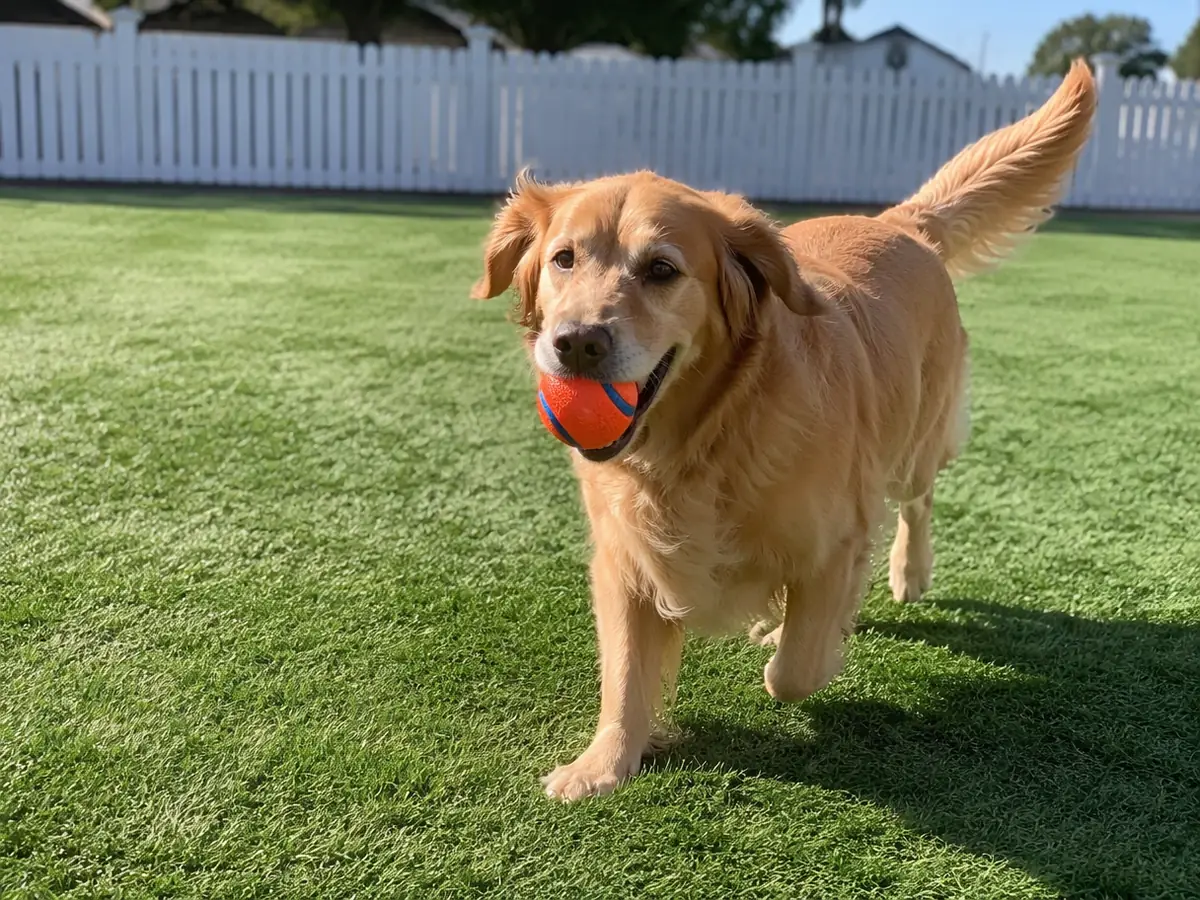
“Bella spent the morning patrolling the yard with the orange ball she refused to share.”
Three steps, about a minute each with review — measured during the pilot, not promised as a slogan.
Take a photo, then pick the dog from today’s Gingr check-in list. One tap — no re-typing names, no recreating stays.
DayTales selects the clearest frame and drafts a caption about the moment in the photo. Your team edits anything before it goes out.
The update arrives by email as a private gallery link. One tap and the parent sees their dog’s day — no download, account, or invite code.
A roster pulled from Gingr on the left, the photo and caption on the right. Nothing sends until a person taps approve. Try it hands-on in the interactive staff demo.
✓ best shot selected
Bella spent the morning patrolling the yard with the orange ball she refused to share.
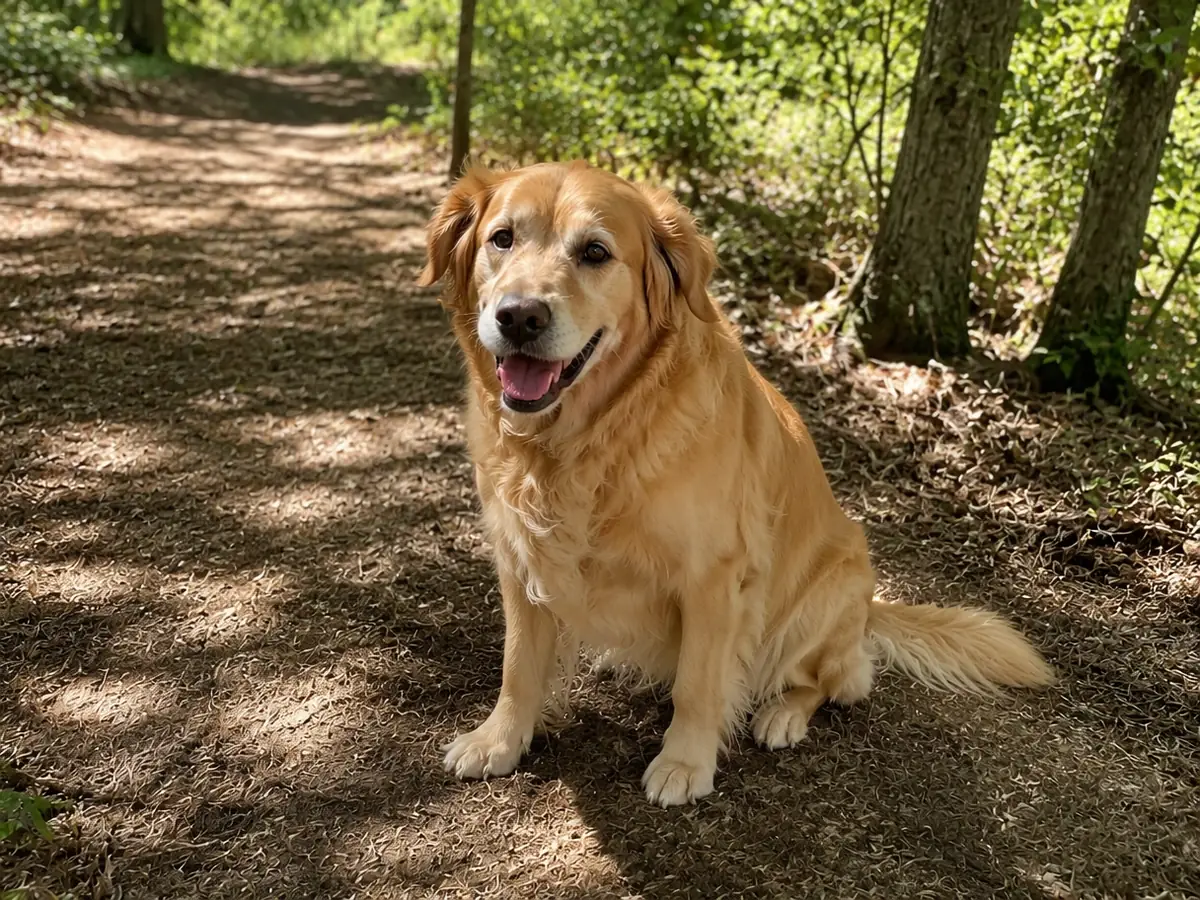
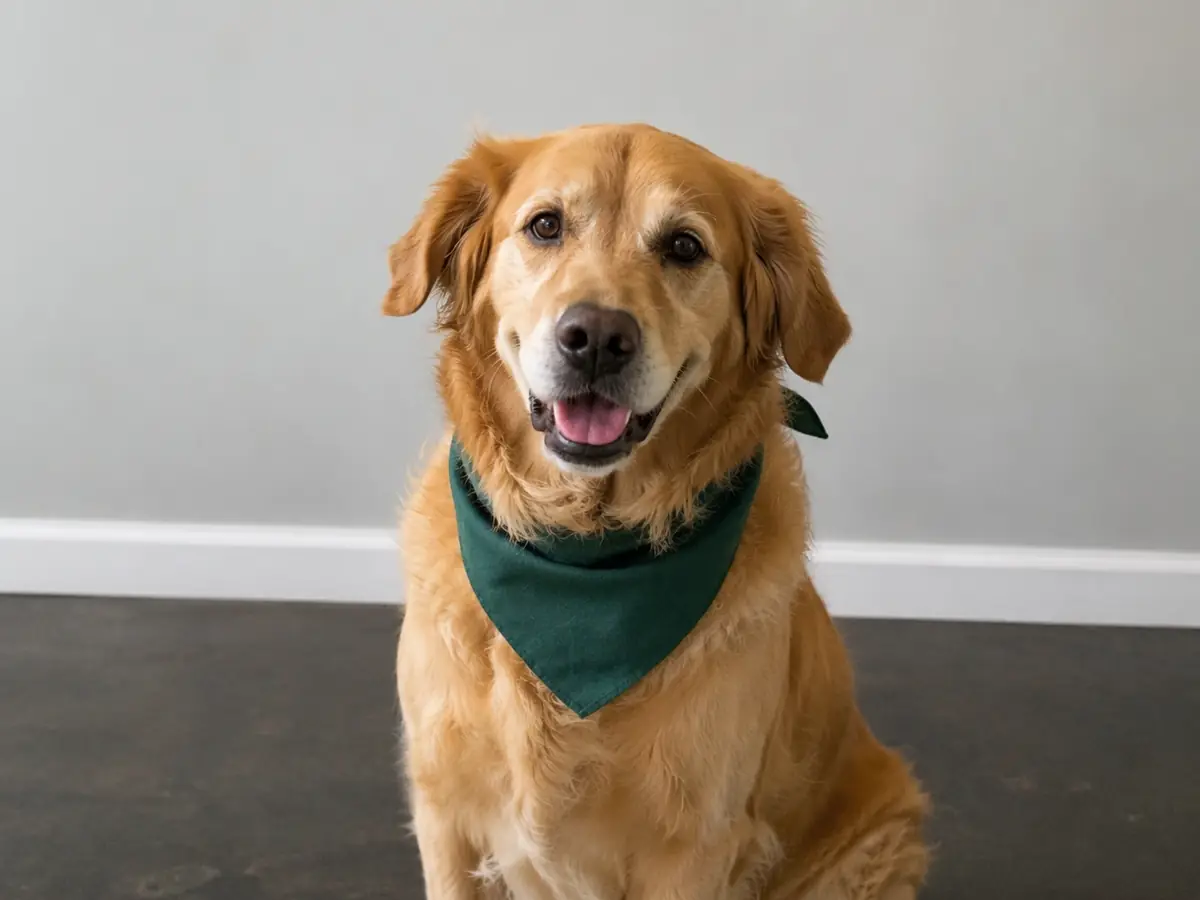
“Bella sat still just long enough for one proper bandana portrait before heading back to the yard.”
DayTales is launching with a small founding group. The founding price is for early feedback — not a pretend limited-time countdown.
$39 deposit, credited to month one. Refunded if we miss the pilot date we agree together. Otherwise, it confirms your founding place.
Yes. DayTales is currently built around Gingr’s daily check-in roster. It is not a PMS replacement and does not claim to work with other systems.
No. The parent opens the private gallery in any modern browser. There is no app, account, password, or invite code to manage.
By email. The message contains a private link to the kennel-branded gallery. One tap opens the latest photos and captions.
AI drafts a caption from the content of the selected photo and the dog your staff chose. Your team sees a preview and can edit every word before approving the update.
Your staff can edit it or choose another photo. Nothing is sent until a person taps “Approve & Send.” DayTales does not auto-publish unreviewed captions.
Galleries use private links and are marked noindex. Your kennel can revoke a link at any time, and photos are deleted on request. See our privacy note for the demo data policy.
The target workflow is about a minute, including staff review. The actual time depends on the photo, connection, and how much your team edits. We measure this during the pilot rather than promising a fixed saving.
In 15 minutes, walk through your own roster, the photo-aware caption, staff review, and the parent gallery — with your kennel’s name on the demo.